Getting Started with Google's Agent Development Kit

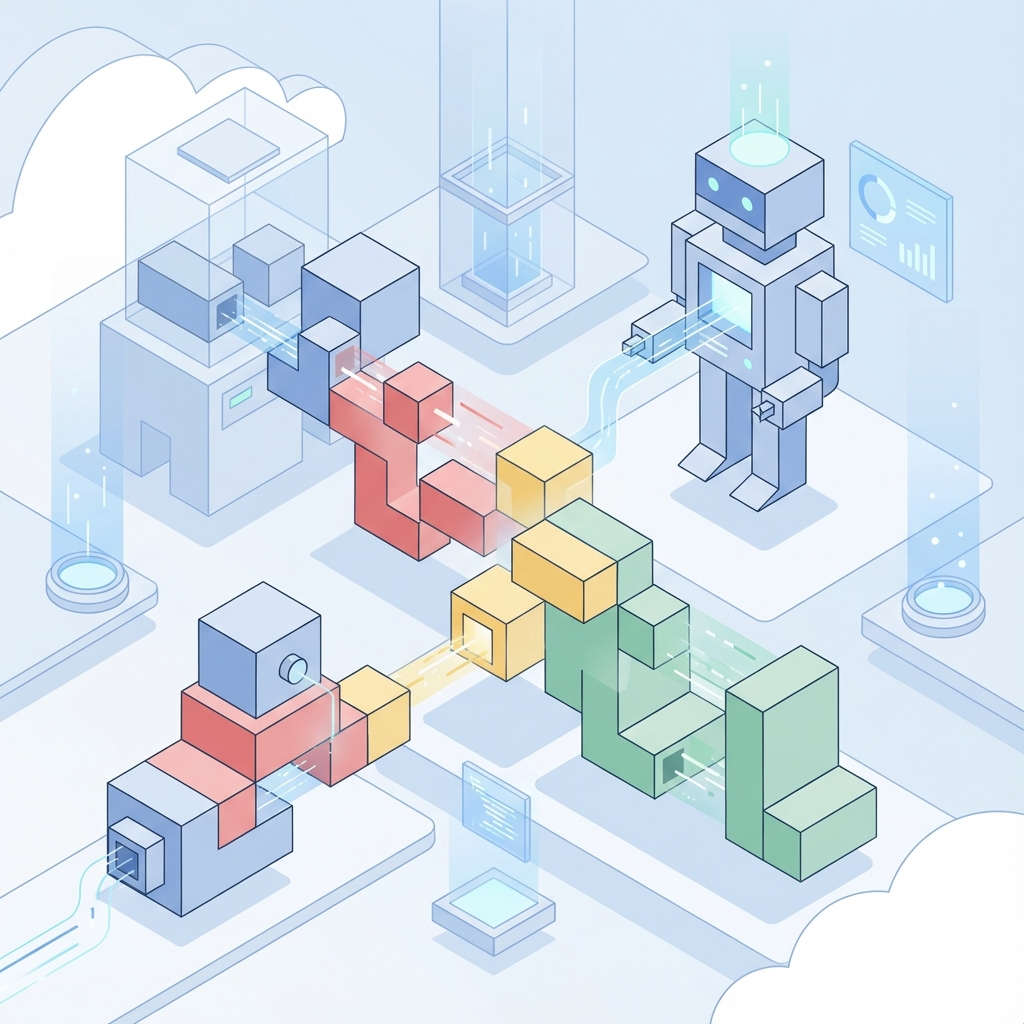
The Agent Development Kit (ADK) is Google Cloud’s framework for building production-ready AI agents. If you’ve been wanting to dive into multi-agent systems but weren’t sure where to start, this post is for you.
What is the ADK?
Building an agent isn’t just about calling an LLM API. It’s about state management, tool execution, and orchestration. The ADK provides the scaffolding for building AI agents that can:
- Interact with external systems via function calling (Tools).
- Maintain conversation context across multiple turns.
- Orchestrate complex workflows using sequential or hierarchical patterns.
Think of it as the connective tissue between your raw AI model (like Gemini) and the real world application logic.
Core Concepts
1. Agents
An agent is more than just a prompt. In the ADK, an agent is an encapsulated entity that possesses:
- A Model: The reasoning engine (usually Gemini Pro/Flash).
- State: Memory of the conversation and current task status.
- Instructions: The “system prompt” that defines its persona and boundaries.
2. Tools & Actions
Tools are the hands of your agent. The ADK simplifies this by handling the heavy lifting of schema generation. You write a standard Python function, decorate it, and the ADK automatically converts it into the JSON schema the LLM needs to understand how to call it.
3. Orchestration Patterns
The real power comes when you move beyond a single agent. The ADK supports several architectural patterns:
- Sequential: Agent A finishes a task (e.g., “Research Topic”) and passes the output to Agent B (e.g., “Write Summary”).
- Parallel: Multiple agents work on sub-tasks simultaneously (e.g., one checking stock prices, another checking news) and aggregate results.
- Hierarchical (Router): A “Supervisor” agent analyzes the user request and delegates it to the most appropriate specialist agent.
Your First Agent: A Practical Example
Here is a minimal but complete example of an agent that can interact with the real world using a custom tool. Notice how clean the tool definition is—the ADK handles the API definitions for you.
from google.adk import Agent
import os

# 1. Define the tools
def get_weather(city: str) -> str:
    """
    Get the current weather for a specific city.

    Args:
        city: The name of the city (e.g. 'San Francisco')
    """
    # In a real app, you would call a weather API here
    # For this demo, we mock the return
    return f"The weather in {city} is sunny and 72°F"

# 2. Initialize the Agent
agent = Agent(
    model="gemini-1.5-pro",
    tools=[get_weather],
    instructions="""
    You are a helpful assistant.
    Always check the weather using the available tool before answering questions about the outdoors.
    """
)
##Best Practices from the FieldFrom my experience building the “Financial Avatar” agent:
- Define Strict Tool Schemas: Type hints in your Python functions aren’t just for linting; the ADK uses them to tell the AI what data types to expect. Be explicit.
- Separate State from Logic: Use the ADK’s state management to keep track of user context (like User ID or Account Balance) separately from the conversation history.
- Handle Tool Errors: LLMs will sometimes try to call tools with bad arguments. Ensure your tool functions return descriptive error strings (e.g., “Error: City not found”) rather than crashing, so the Agent can self-correct.
- Start with One: Don’t build a multi-agent swarm immediately. Build one solid agent that uses tools correctly, then introduce a second one.
##Resources* ADK Documentation
- Gemini API Cookbook
- My GitHub Repo showing a complex, real-time ADK implementation.
Happy building!