Luis Sala Luis Sala

Gemini

3 posts

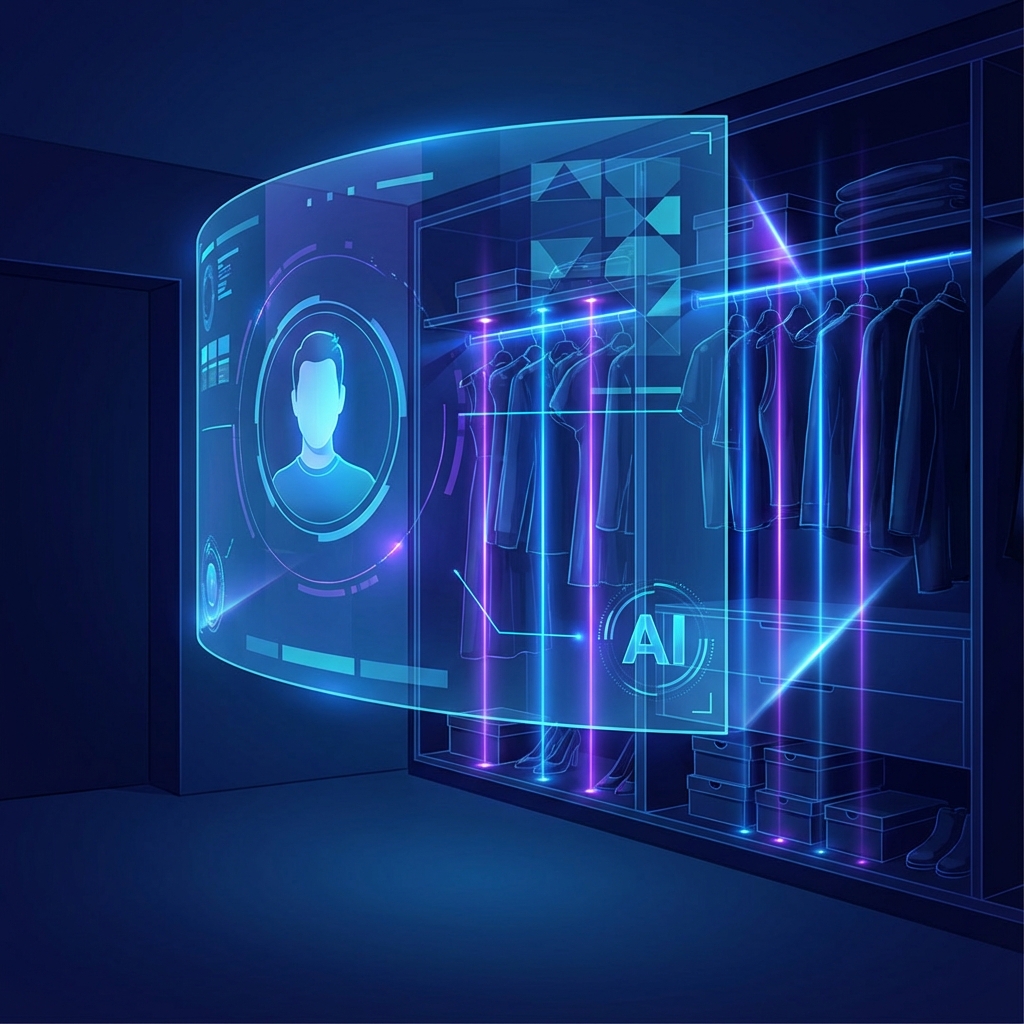
Building a Fashion AI Agent in 3 Hours

Behind the scenes of the AI Agent Build-Off, where we built a closet management and virtual try-on AI agent under extreme time pressure.

Building a Fashion AI Agent in 3 Hours

What happens when you give a team of developers 3 hours to build an AI agent from scratch? Chaos, creativity, and surprisingly functional software.

The Challenge
#

The AI Agent Build-Off challenged us to build something useful with Google Cloud’s AI tools, including:

  • Gemini - For natural language understanding and generation
  • Agent Development Kit (ADK) - For orchestrating multi-agent workflows
  • Imagen - For image generation
  • Veo - For video generation
  • Vertex AI - For the underlying infrastructure

What We Built
#

We created a Fashion AI Agent that helps users:

  1. Record their closet - Take photos of clothing items and have the AI catalog them
  2. Virtual try-ons - See how different combinations might look
  3. Address unworn clothes - Get suggestions for items that haven’t been worn recently

The agent used voice and vision capabilities to make the interaction natural and intuitive.

Lessons Learned
#

Building under time pressure forces you to make fast decisions. Some things that worked well:

  • Start with the MVP - We focused on core functionality first
  • Parallel agent patterns - Having multiple agents work simultaneously sped things up
  • Iterative refinement - Ship early, improve continuously

Watch the full session:

What’s Next?
#

This hackathon reinforced my belief that AI agents are the future of software interaction. The ability to combine different AI capabilities (vision, language, generation) into a cohesive experience opens up possibilities we’re only beginning to explore.

If you’re interested in building AI agents, check out Google Cloud’s Agent Development Kit to get started.

Creating a Personal Finance AI Agent

How we built an AI agent that can analyze your finances, visualize spending, and answer questions about your money.

Creating a Personal Finance AI Agent

Money management shouldn’t require a finance degree. In another AI Agent Build-Off session, we tackled personal finance with an AI-powered assistant.

The Vision
#

We wanted to create an agent that could:

  • Track income and expenses automatically
  • Calculate net worth across accounts
  • Visualize spending patterns with intuitive graphs
  • Provide insights about financial habits
  • Answer questions about stocks and investments

Technical Architecture
#

The agent used a combination of:

  • Sequential agents for step-by-step financial analysis
  • Parallel agents for fetching data from multiple sources simultaneously
  • Google Search integration for real-time stock information
  • Custom tools for generating visualizations

One of the trickiest parts was handling financial disclaimers, any AI working with money needs to be clear about the limitations of its advice.

Key Features
#

Spending Analysis
#

The agent can break down spending by category, showing where your money goes each month. The card-based UI made it easy to digest at a glance.

Net Worth Tracking
#

Aggregate view across multiple accounts, updated in real-time.

Stock Queries
#

Ask natural language questions like “How is GOOGL doing?” and get current information with relevant context.

Watch the Build
#

Takeaways
#

Building AI agents for sensitive domains like finance requires extra care:

  1. Be transparent about what the AI can and cannot do
  2. Add disclaimers where appropriate
  3. Don’t make assumptions about user financial situations
  4. Security first for any real-world implementation

The potential here is enormous. Imagine having a financial advisor available 24/7 that knows your complete financial picture. We’re getting closer to that reality.

Getting Started with Google's Agent Development Kit

A practical introduction to building AI agents with Google Cloud's ADK - from basic concepts to your first working agent.

Getting Started with Google's Agent Development Kit

The Agent Development Kit (ADK) is Google Cloud’s framework for building AI agents. If you’ve been wanting to dive into multi-agent systems but weren’t sure where to start, this post is for you.

What is ADK?
#

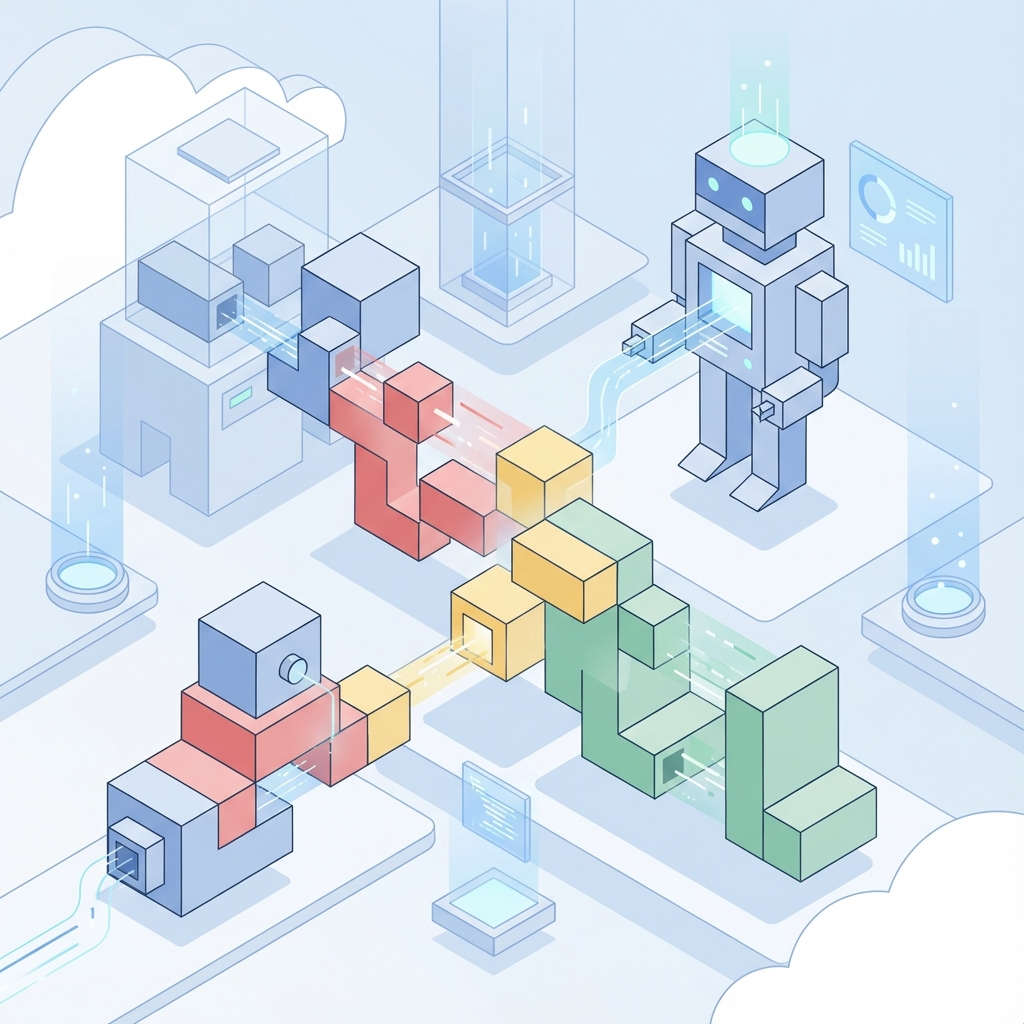
ADK provides the scaffolding for building AI agents that can:

  • Use tools to interact with external systems
  • Maintain conversation context
  • Chain multiple steps together
  • Work with other agents in parallel or sequence

Think of it as the orchestration layer between your AI model (like Gemini) and the real world.

Core Concepts
#

Agents
#

An agent is an AI that can take actions. It has:

  • A model (usually Gemini) for reasoning
  • Tools it can use
  • Instructions that guide its behavior

Tools
#

Tools are functions your agent can call. Examples:

  • Search the web
  • Query a database
  • Send an email
  • Generate an image

Multi-Agent Patterns
#

The real power comes from combining agents:

  • Sequential: Agent A completes, then Agent B starts
  • Parallel: Agents A and B work simultaneously
  • Hierarchical: A supervisor agent delegates to specialist agents

Your First Agent
#

Here’s a minimal example:

from google.adk import Agent, Tool

# Define a simple tool
@Tool
def get_weather(city: str) -> str:
    """Get the current weather for a city."""
    # In reality, call a weather API
    return f"The weather in {city} is sunny and 72°F"

# Create an agent
agent = Agent(
    model="gemini-pro",
    tools=[get_weather],
    instructions="You are a helpful assistant that can check the weather."
)

# Run the agent
response = agent.run("What's the weather like in San Francisco?")
print(response)

Best Practices
#

From my experience building agents in hackathons and production:

  1. Start simple - One agent, one tool, then expand
  2. Clear instructions - Be specific about what the agent should do
  3. Handle errors gracefully - Tools will fail; plan for it
  4. Test incrementally - Verify each component works before combining

Resources
#

Happy building!