
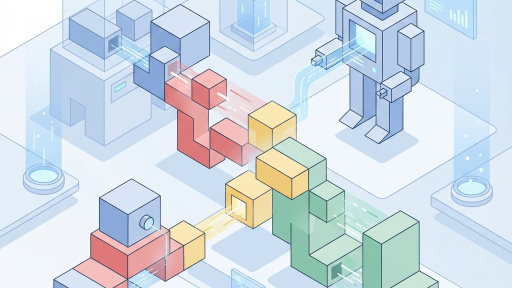
The Agent Development Kit (ADK) is Google Cloud’s framework for building AI agents. If you’ve been wanting to dive into multi-agent systems but weren’t sure where to start, this post is for you.
What is ADK?#
ADK provides the scaffolding for building AI agents that can:
- Use tools to interact with external systems
- Maintain conversation context
- Chain multiple steps together
- Work with other agents in parallel or sequence
Think of it as the orchestration layer between your AI model (like Gemini) and the real world.
Core Concepts#
Agents#
An agent is an AI that can take actions. It has:
- A model (usually Gemini) for reasoning
- Tools it can use
- Instructions that guide its behavior
Tools#
Tools are functions your agent can call. Examples:
- Search the web
- Query a database
- Send an email
- Generate an image
Multi-Agent Patterns#
The real power comes from combining agents:
- Sequential: Agent A completes, then Agent B starts
- Parallel: Agents A and B work simultaneously
- Hierarchical: A supervisor agent delegates to specialist agents
Your First Agent#
Here’s a minimal example:
from google.adk import Agent, Tool

# Define a simple tool
@Tool
def get_weather(city: str) -> str:
    """Get the current weather for a city."""
    # In reality, call a weather API
    return f"The weather in {city} is sunny and 72°F"

# Create an agent
agent = Agent(
    model="gemini-pro",
    tools=[get_weather],
    instructions="You are a helpful assistant that can check the weather."
)

# Run the agent
response = agent.run("What's the weather like in San Francisco?")
print(response)
Best Practices#
From my experience building agents in hackathons and production:
- Start simple - One agent, one tool, then expand
- Clear instructions - Be specific about what the agent should do
- Handle errors gracefully - Tools will fail; plan for it
- Test incrementally - Verify each component works before combining
Resources#
- ADK Documentation
- Gemini API
- My GitHub notebooks with ADK examples
Happy building!